Back
How to Create Pocket
Pocket Management
How to Create Pocket
Pockets help you organize and manage your money with clarity and intention. Separate funds for bills, savings, daily needs, or personal goals, and even create shared pockets to manage money together with family, friends, or partners. Every pocket has a clear purpose, making your money easier to track and plan.
1. Open the Pocket page and tap “Add Pocket”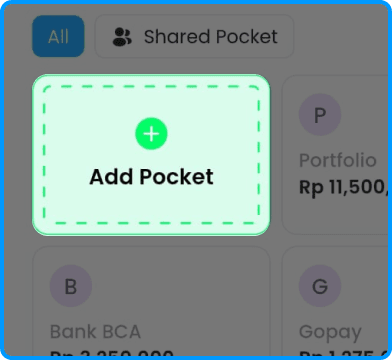
2. Choose the type of pocket. Pick a Source of Fund pocket or a Purpose pocket.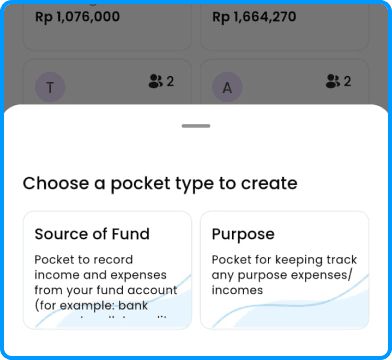
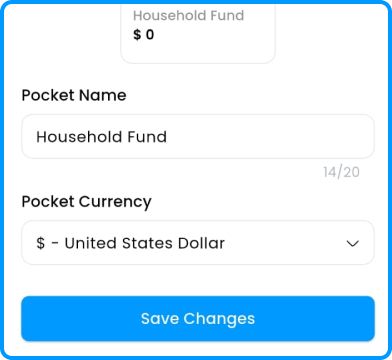
3. Name your pocket and select your currency.