Back
Accept or Reject a Pocket Invitation
Add member and Share Pocket
Accept or Reject a pocket invitation
Your pocket, your call. Accept or reject invitations to shared pockets before you’re in. Nothing happens without your approval.
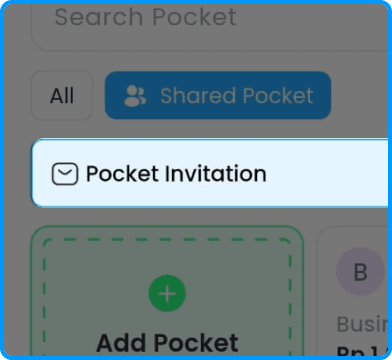
1. Tap Pocket Invitation on your pocket page
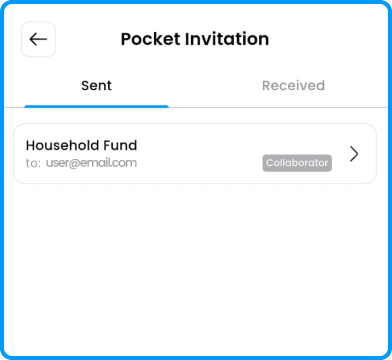
2. Check the invitation under the Received tab
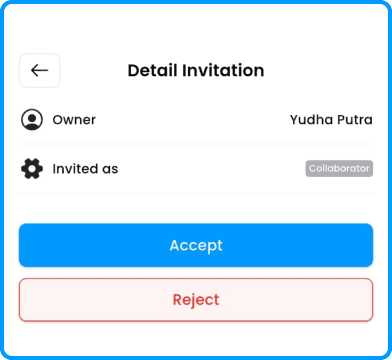
3. Accept or decline the invitation