Back
Add member
Add member and Share Pocket
Add Member to Pocket
Share a pocket to manage money together and stay in sync. Track spending, plan budgets, and update balances in real time. Perfect for families, partners, roommates, or small teams. Simple, clear, and made for smooth teamwork.
1. Choose the pocket you want to share. Open the menu and select Add Member

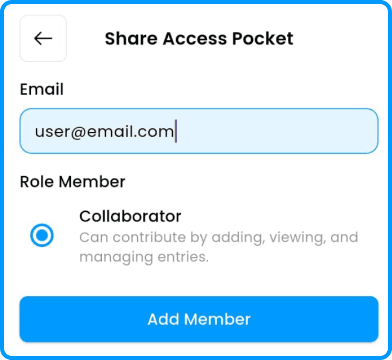
2. Enter your collaborator’s email. Only registered IO users can be added
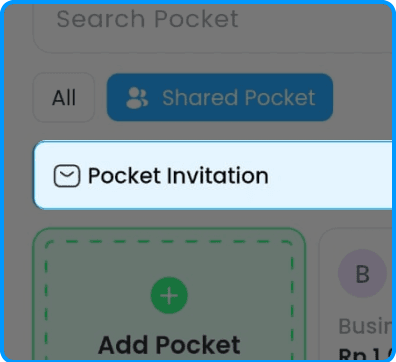
3. Tap Pocket Invitation on your pocket page
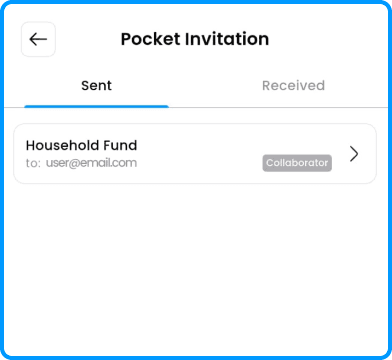
4. Check your invitation status under the Sent tab