Back
Create Entry Via Quick Entry and Manual Entry
Create Entry
Create entry via quick entry and manual entry
Easily record your income or expenses in a few steps. Choose your pocket, add the details like amount, category, and notes, then save it. You can also attach photos, set reminders, or keep it as a draft if you’re not done yet. Simple, quick, and helps you stay on top of your money flow.
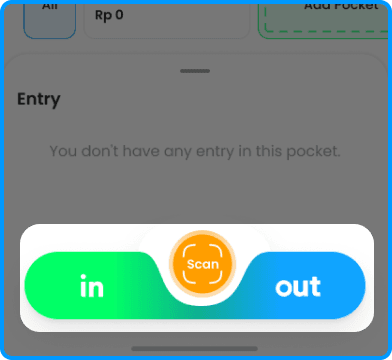
1. Choose IN (income) or OUT (expense)
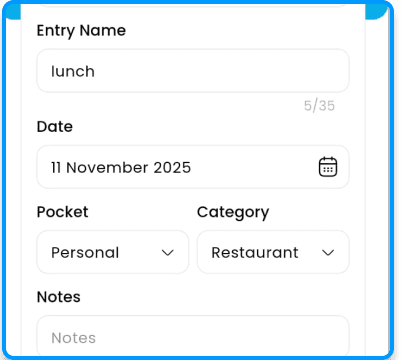
2. Add entry name, amount, category, and notes
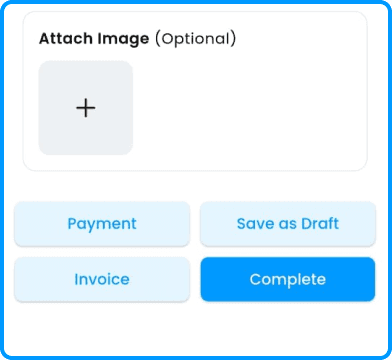
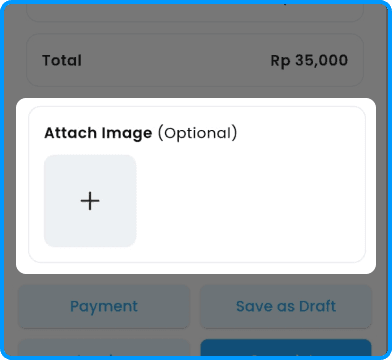
3. (Optional) Attach photo of receipt
4. Tap Save to record your entry