Back
Create Entry via Scan Receipt
Create Entry
Create Entry via Scan Receipt
Create an entry instantly by scanning your receipt. Just snap a photo and iO will read the details for you. Review the amount, category, and pocket, then save it. Fast, accurate, and effortless for tracking your spending.
1. Open Scan Receipt
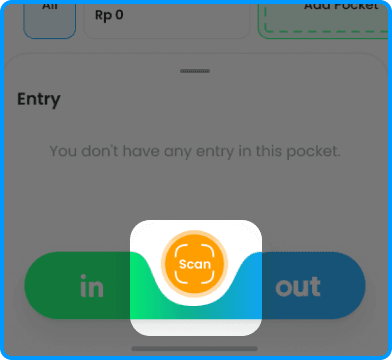
2. Tap on the image icon at bottom of screen

3. IO extracts the details automatically
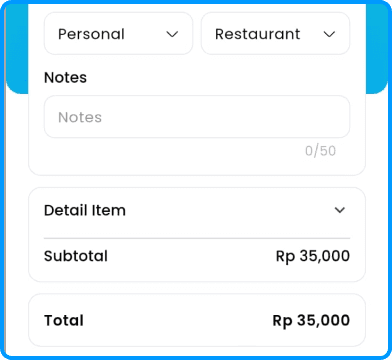
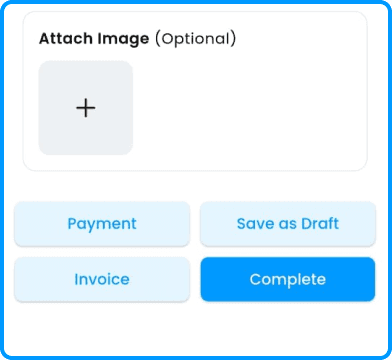
4. Review and complete your entry