Draft Entry, Reminder, Bill/Invoice
Draft Entry, Reminder, Bill/Invoice
Draft entries allow you to save unfinished records and complete them later without losing information. Reminders help you remember important payments or transactions so nothing is missed. Bill and Invoice features let you create structured records for recurring or formal payments, making tracking more organized and professional. Together, these tools help you manage ongoing financial tasks, stay punctual, and keep your money flow consistent and under control.
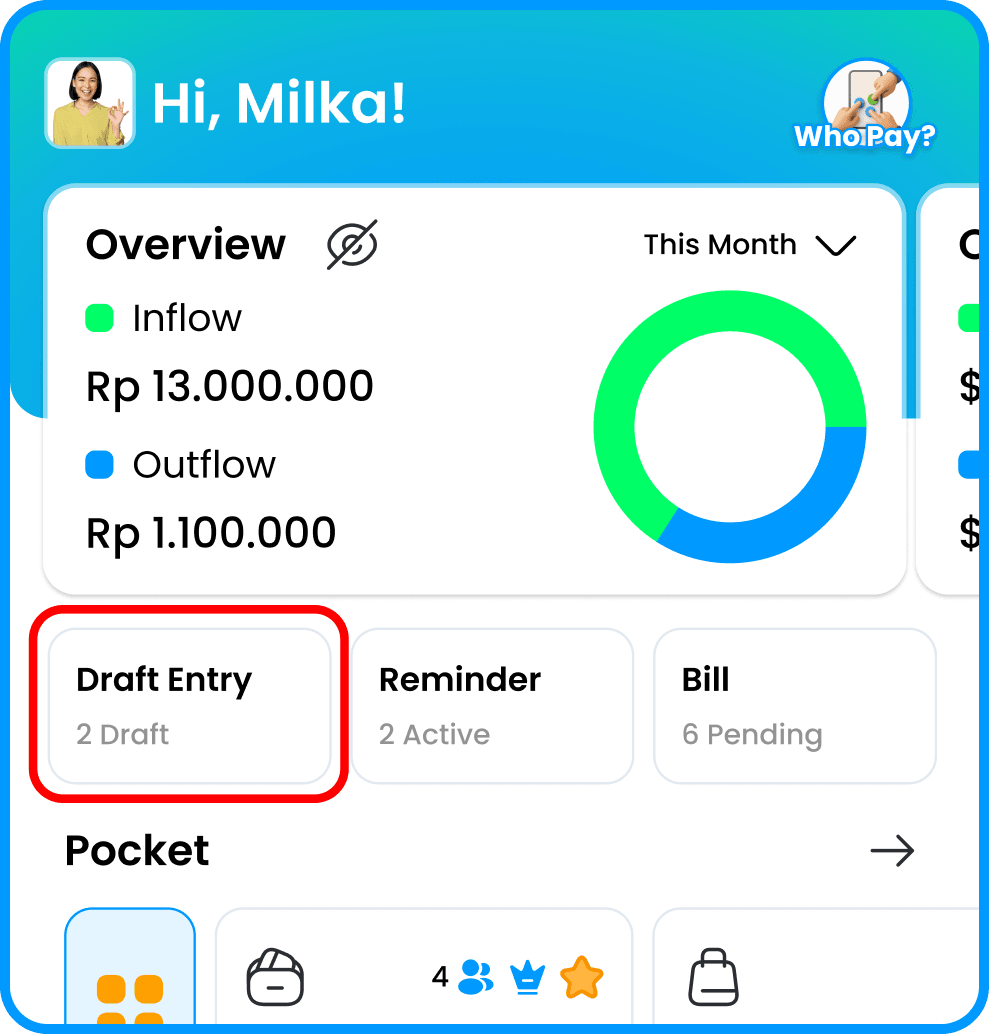
Use the entry creation feature and save it as a draft. Alternatively, go to the Draft tab on the homepage, then select IN/OUT
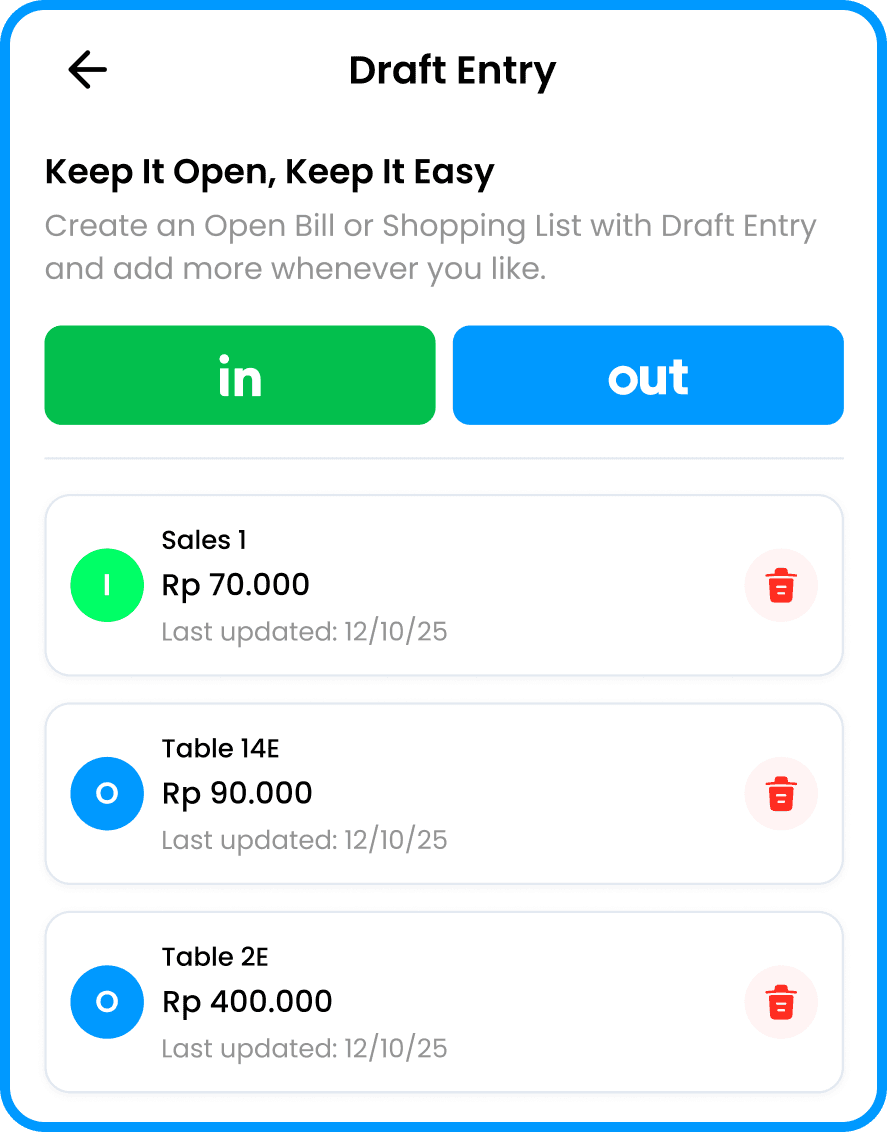
To edit a draft, select the saved draft entry on the Draft page.
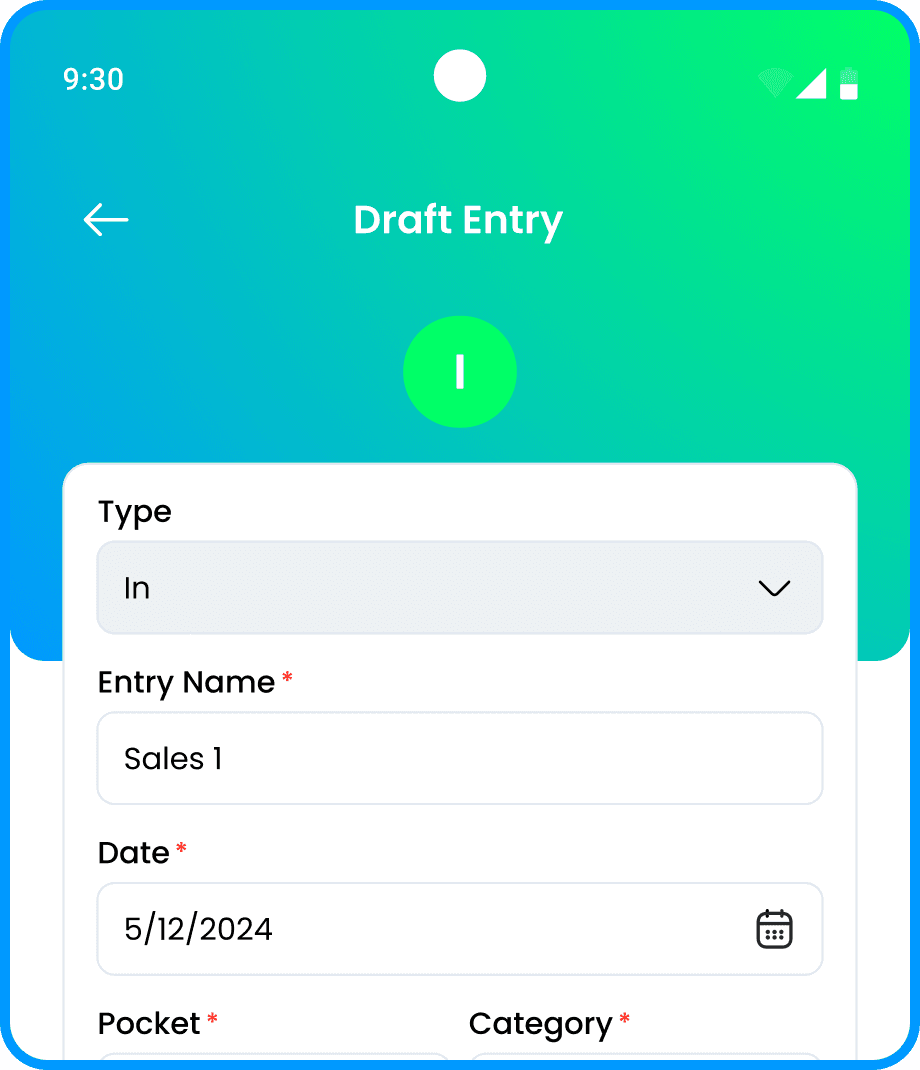
The app will open the entry creation page, and the user can edit the draft and then save it as an entry.