Back
Entries
Homepage Navigation
Entries
Entries are records of your income and expenses in iO. Each entry includes details such as amount, category, pocket, and notes, helping you understand exactly where your money goes. You can create entries manually or by scanning receipts for faster input. Entries keep your financial activity organized and searchable, so you can review spending patterns, monitor cash flow, and stay on top of your daily transactions with accuracy and ease.
There are three ways to create an entry: using the IN/OUT navigation button, the Scan button, and AI INO
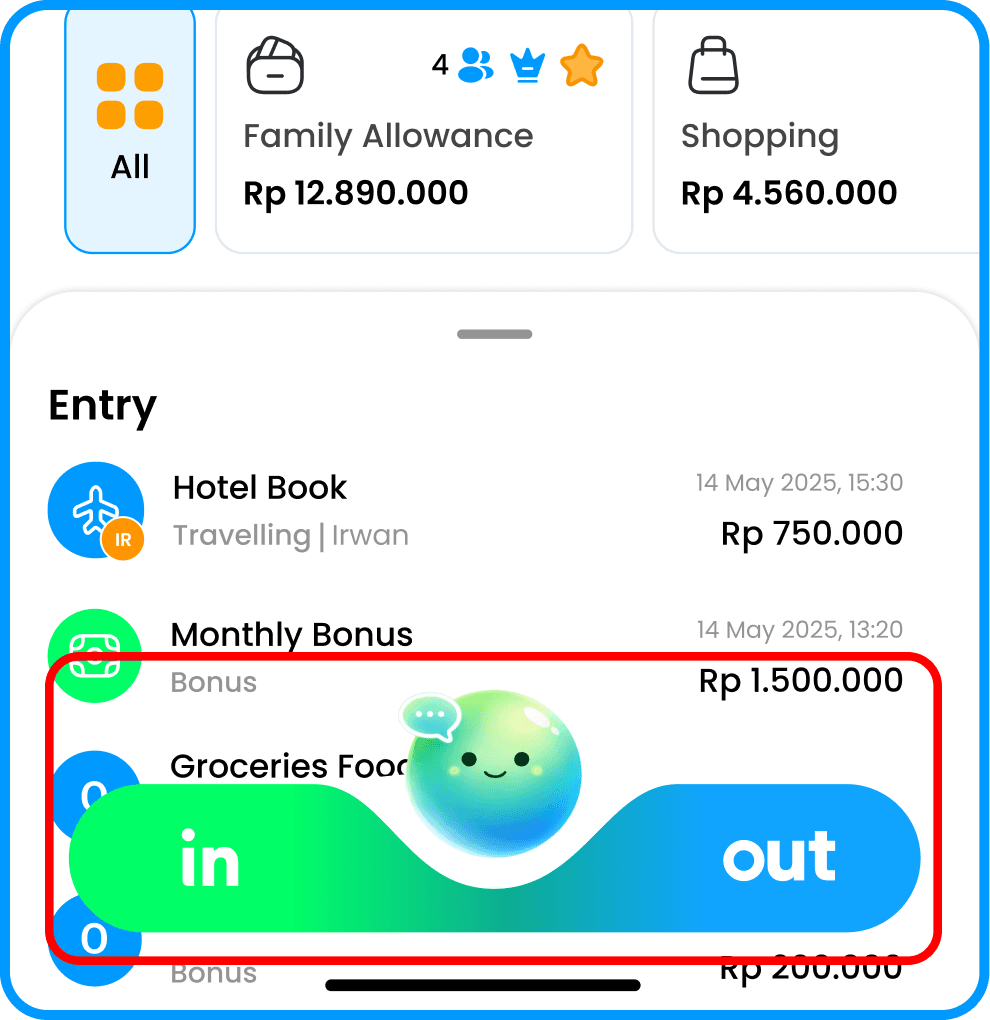
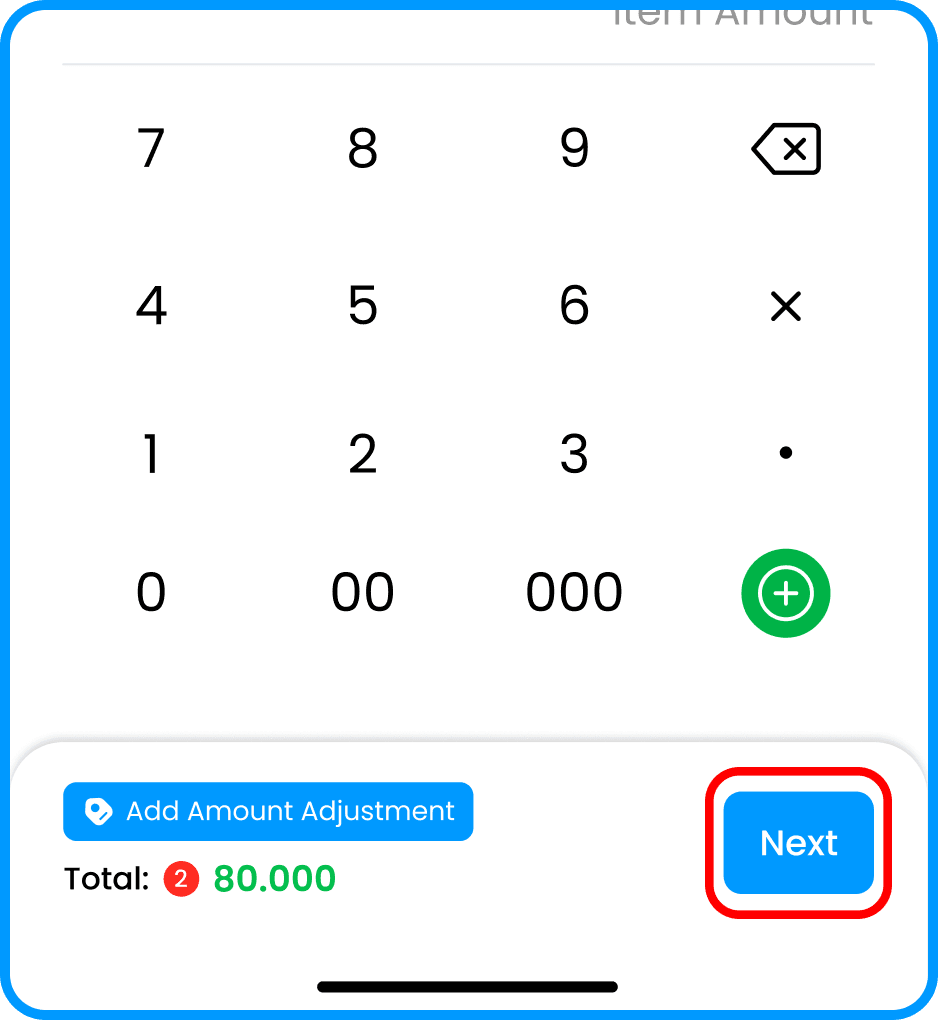
Select the IN/OUT type, choose which wallet the entry will be saved to, select the category, and enter the amount
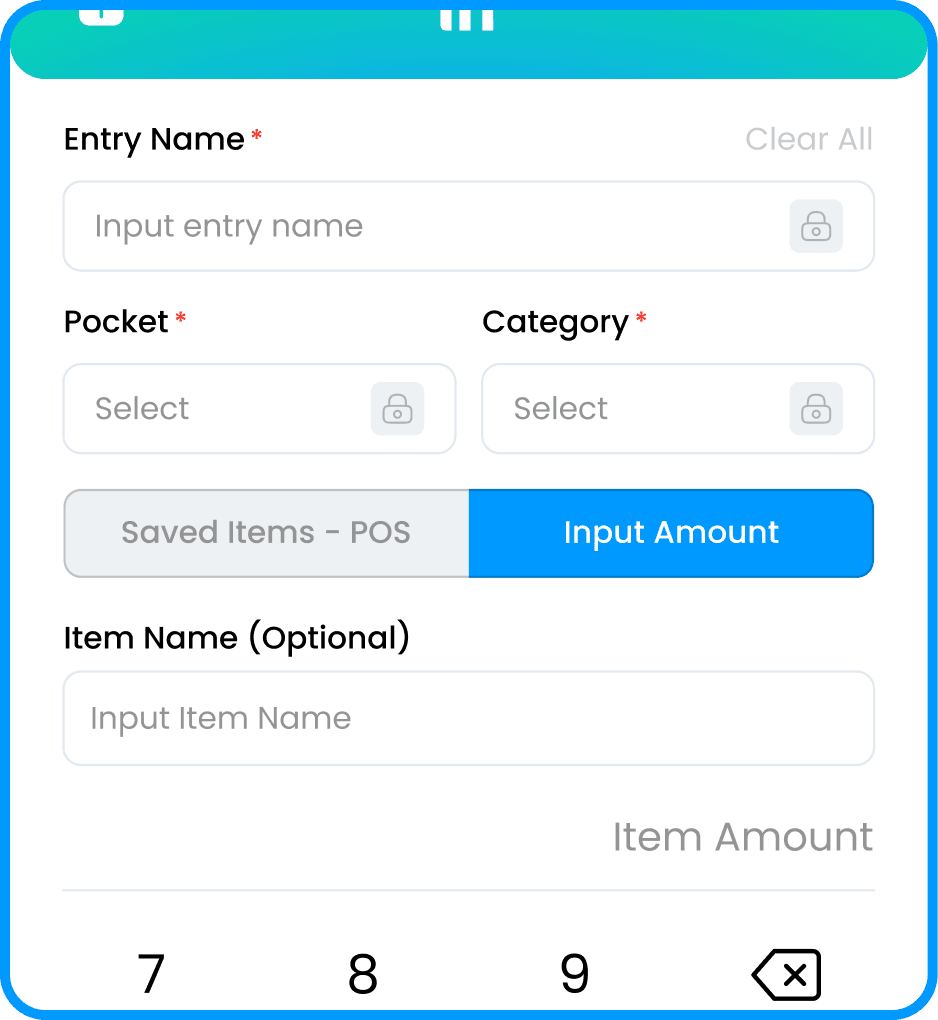
Select “Save” to complete creating the entry.