Back
Hide category from member
Category
Hide category from member
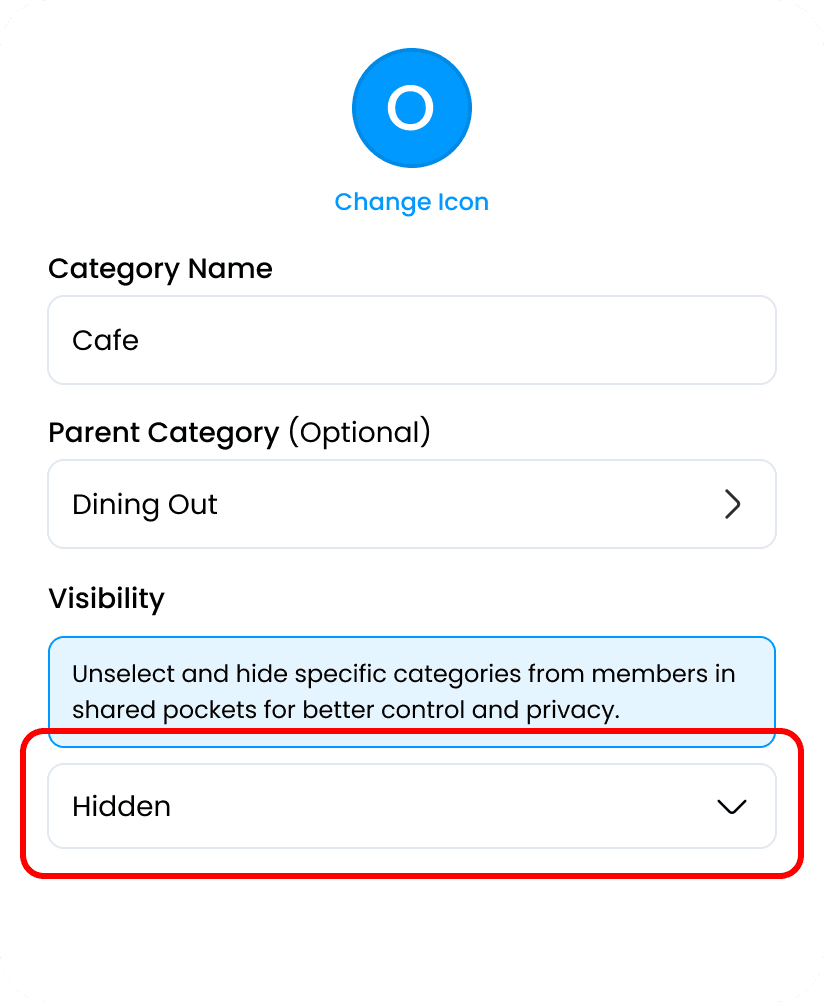
Hide Category from Member allows you to control which categories are visible to collaborators in a shared pocket. This is useful when you want to keep certain personal or sensitive categories private while still working together on shared finances. Hidden categories will not appear for other members, but they remain fully accessible to you. This feature ensures privacy, reduces confusion, and helps maintain clear boundaries when managing money with others.
Access the Account and Settings menu in the top-right corner of the homepage

In the General section, select the Categories menu.

Select the Add Category option, then choose Café under the Dining Out category.

Create a Category Name, set the Parent Category, then select the Hidden option.