Back
Remove member
Add member and Share Pocket
Remove member
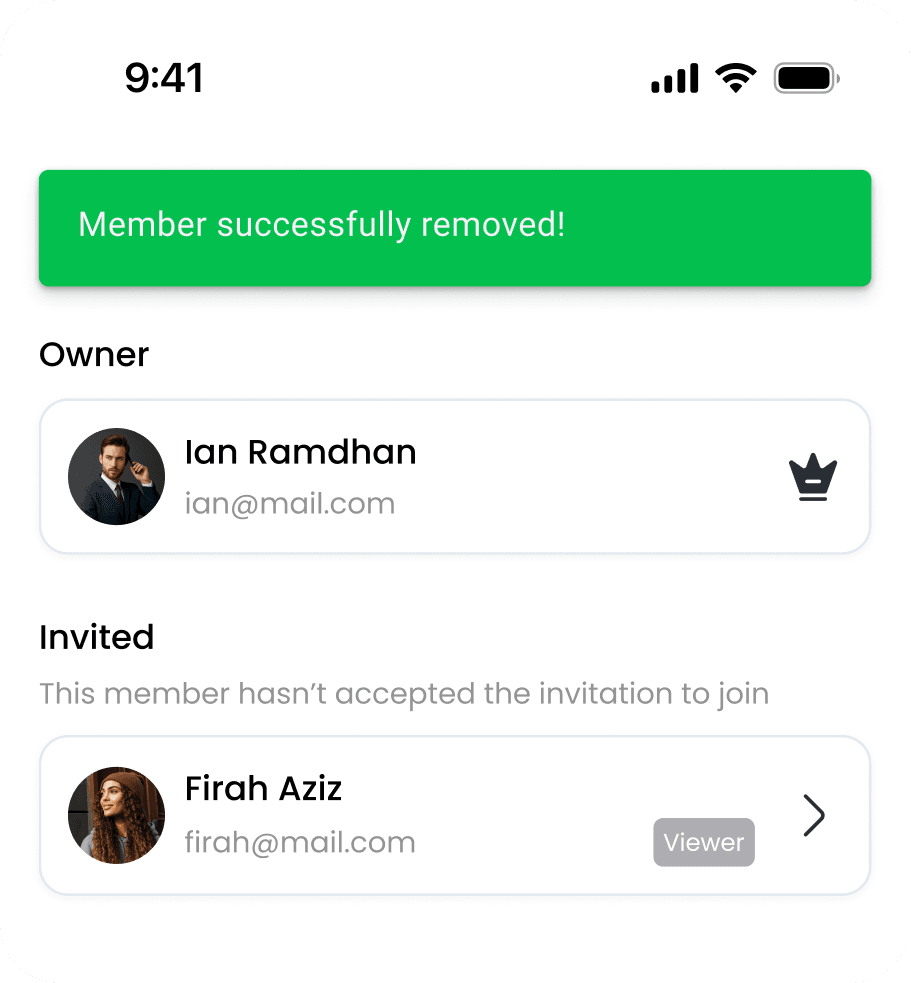
Remove Member allows you to revoke access from a shared pocket at any time. This is useful when collaboration ends or when you need to update who can manage the pocket. Once a member is removed, they will no longer be able to view or edit the pocket’s transactions and balance. This feature helps keep your financial data secure and ensures that only the right people have access to your shared pockets.
Open the “All” menu in Wallets
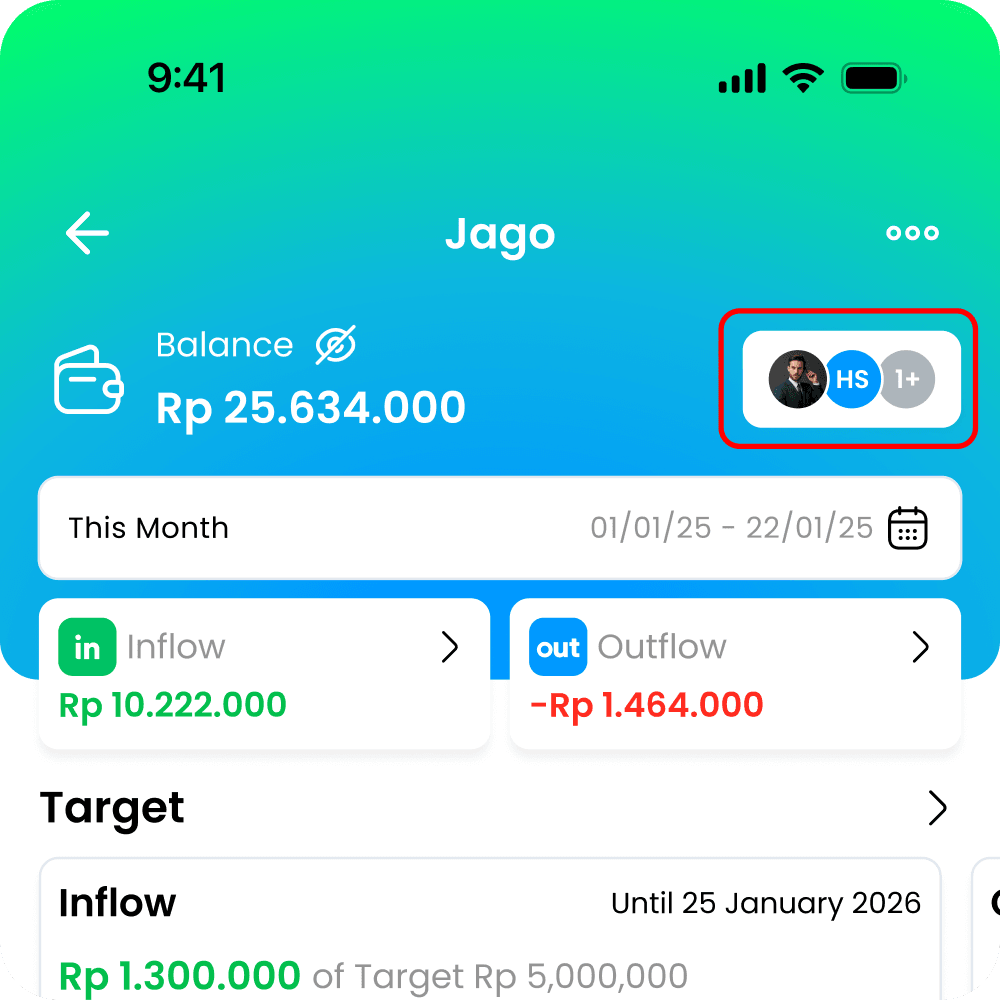
Select the wallet from which the member will be removed.
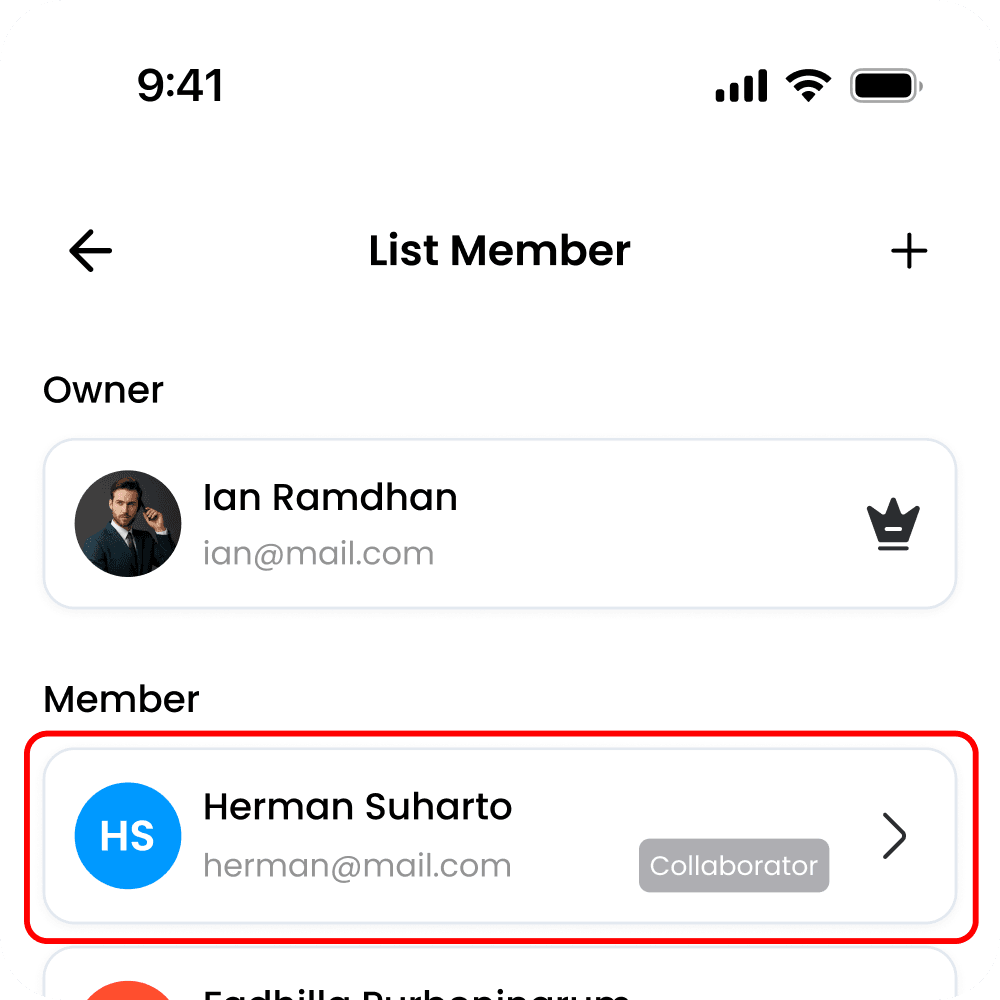
Tap the Account Name
Select the account to be removed from the member list
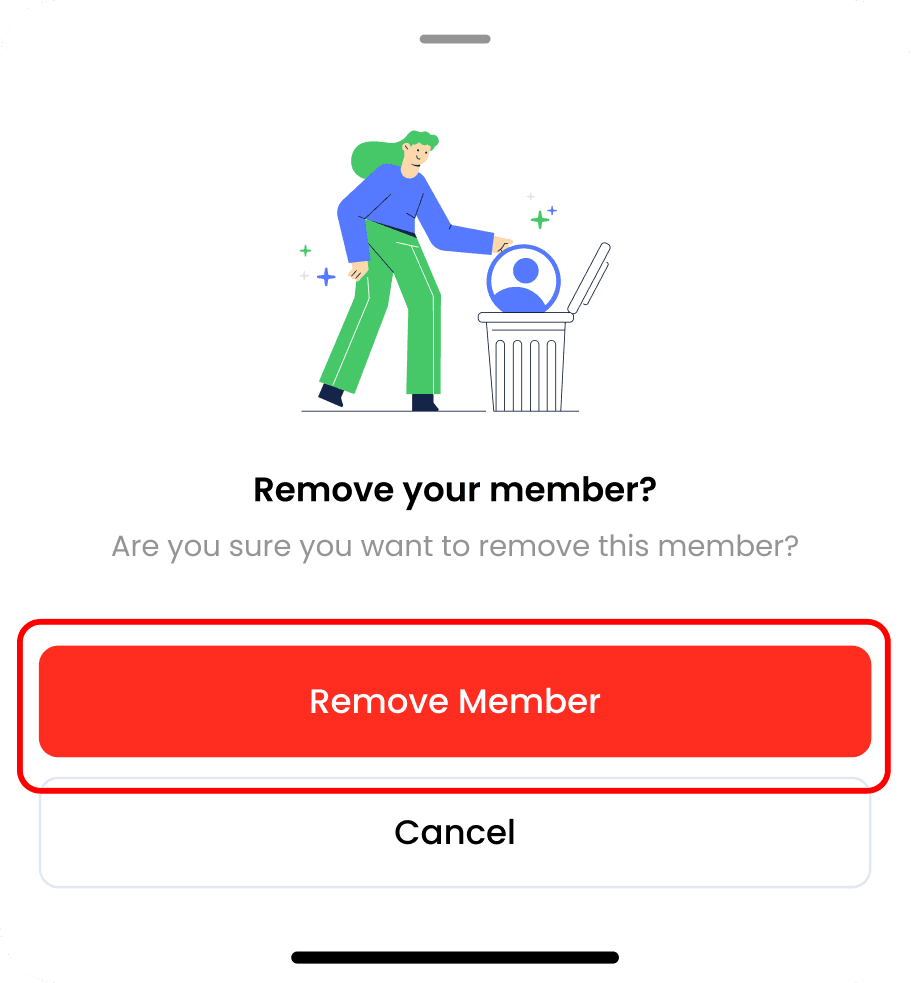
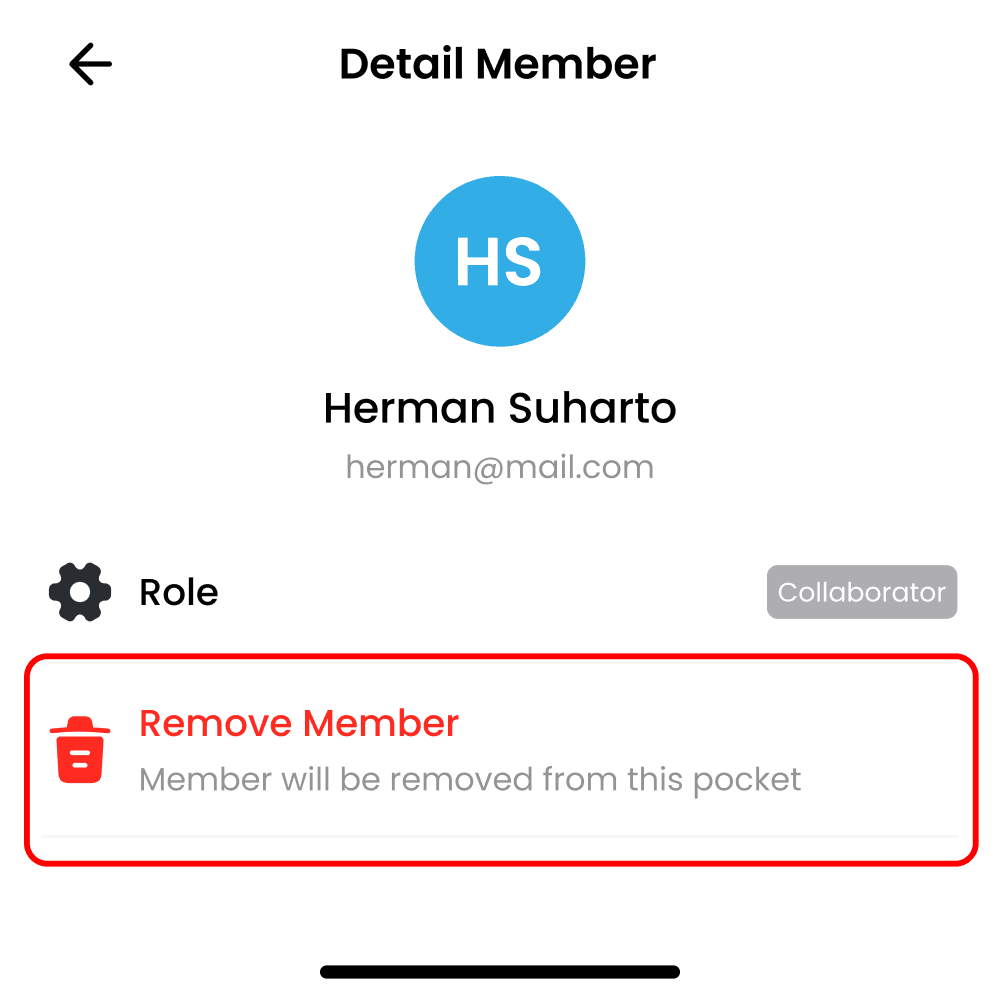
Tap the Remove Member option.