
Back
Set business information for custom receipt and invoice
Business information
Set business information for custom receipt and invoice
Set Business Information allows you to add your business details to receipts and invoices, such as business name, address, contact information, and logo. This information will appear automatically on your custom receipts and invoices, giving them a more professional and consistent look. It helps customers clearly identify your business and improves trust in your documentation. By saving your business profile once, you can generate branded receipts and invoices quickly for every transaction without re-entering the same information.
Access the Account and Settings menu in the top-right corner of the homepage.

In the General section, select the Printer & Receipt menu.
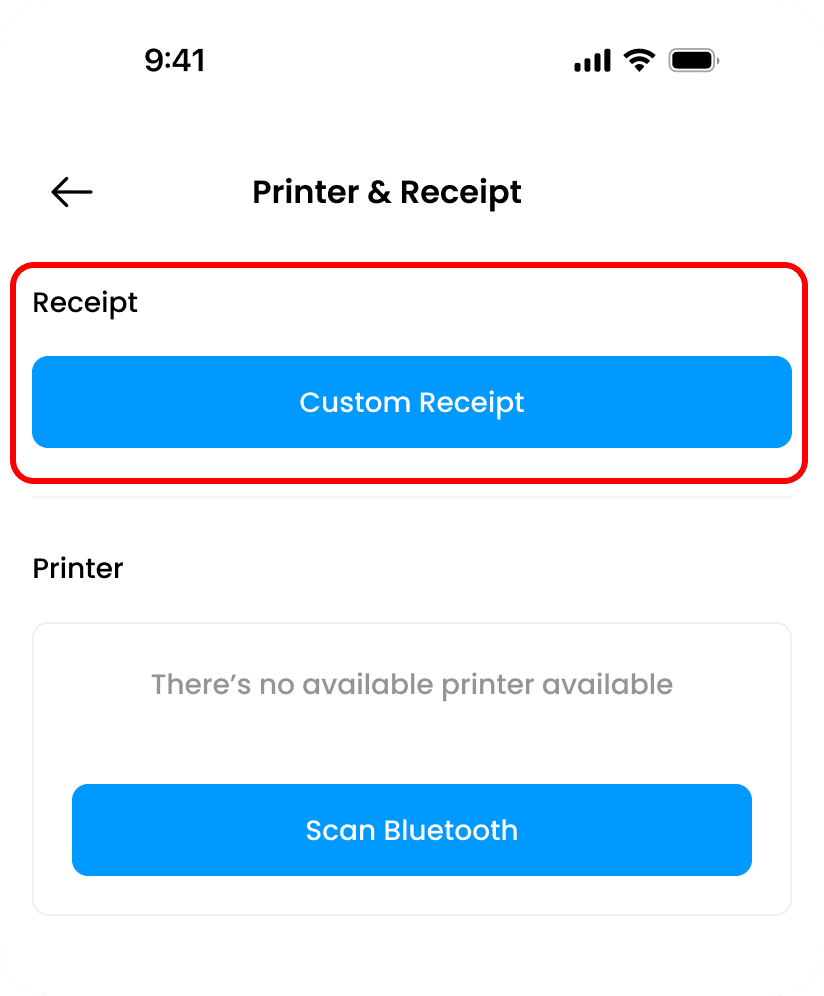
Use the Receipt Settings option to add a logo and company information.
