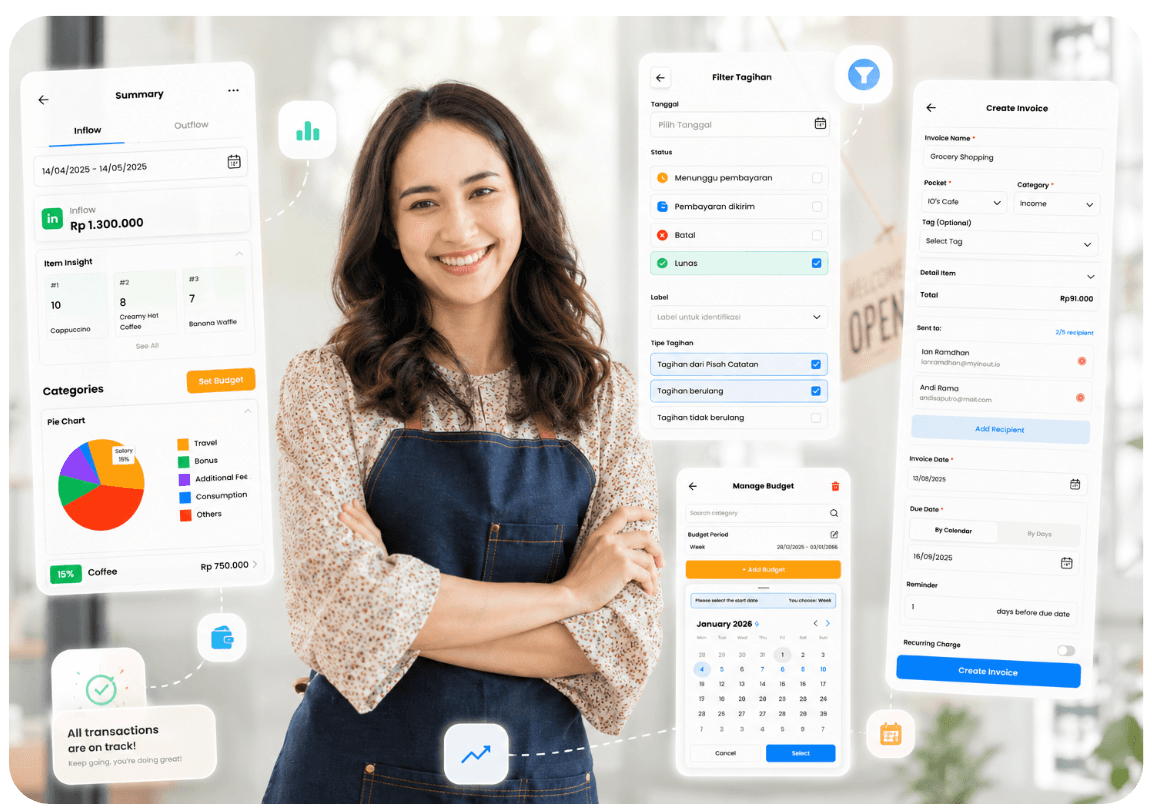
iO is your assistant to manage & organize
"Every money in, every money out; iO knows it all."
Managing money is simple in theory. In practice, your income comes from multiple sources, your expenses go in many directions, and keeping track of it all is exhausting
iO removes that exhaustion. It's your financial assistant, always ready to capture, organize, and make sense of every IN and OUT in your life
 Manage
 Operate
 Collaborate
 Understand
 Access
Your money moves in many directions.
iO organizes it all.
Salary comes in. Bills go out. You get paid for a freelance job. You buy groceries. You save a little. You send money to your kids. All of this is happening but where does it all go?
iO is the assistant that captures every movement, organizes it meaningfully, and puts you back in control. Here's how
Create pockets that match your life not a template
Before you track money, you need a structure that makes sense to you. Not generic categories. Not someone else's system
iO gives you Smart Pockets flexible containers you create for any purpose. A pocket for your household expenses. One for your daily spending. One for your travel fund. One for your business store. One for your daughter's allowance
Your life, your structure. Create as many pockets as you need, in any currency, for any purpose





Record every IN and OUT the way that works for you
Once your pockets are set up, recording transactions should feel effortless. iO gives you multiple ways to record — because life doesn't always give you the time to type carefully
Just paid for lunch? Quick Entry tap IN or OUT, type the amount, pick the category. Done in 3 seconds.
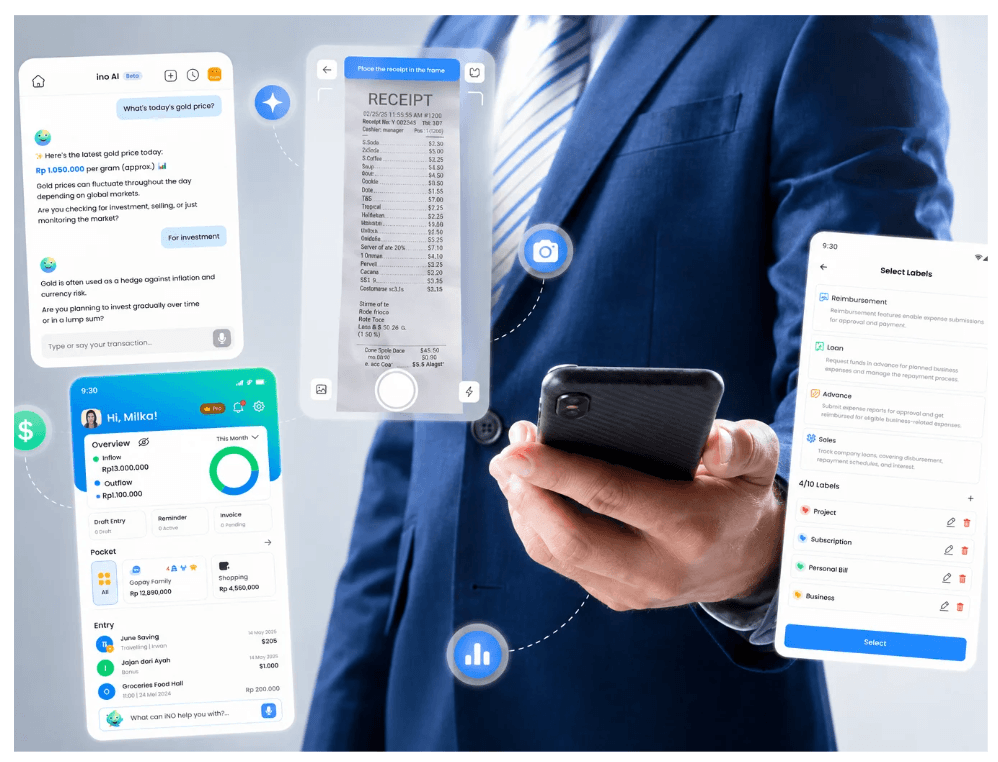
Got a paper receipt? Open iO, scan it. The AI reads the merchant, amount, and date and records it automatically.
Hands full? Tell ino: "I just spent 80 thousand at the supermarket." ino records it. You confirm. Done





ino AI: your assistant who never forgets and never judges
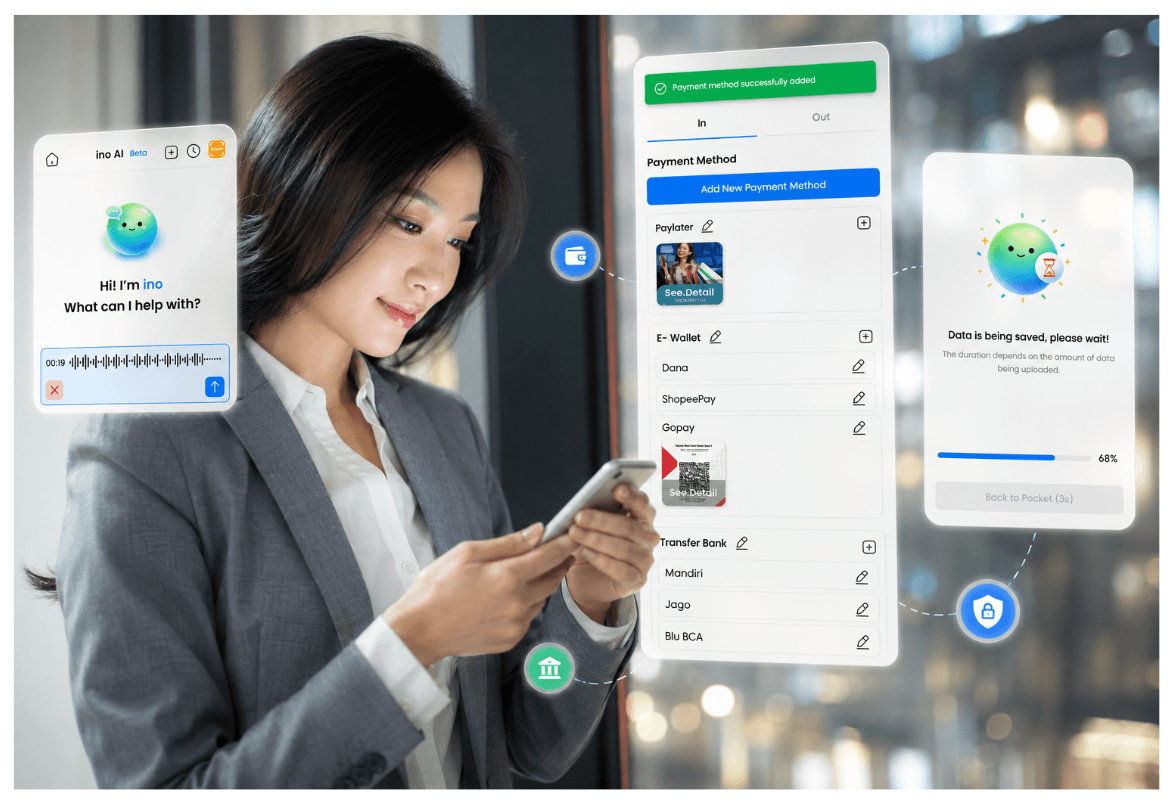
The smartest way to record your finances is to just talk about them. ino iO's AI financial assistant listens, understands, and records.
You say: "Paid electricity bill, 250 thousand, from my BCA account."
ino does: Creates the entry, assigns it to the right pocket, categorizes it as Utilities, and asks if you'd like to make it a monthly reminder.
ino also watches your patterns. Did you forget to log something? It might ask. Did you always pay rent on the 1st? It remembers. It's not just a chatbot, it's a financial assistant that actually understands your money life.





Never miss a payment, never forget what's due
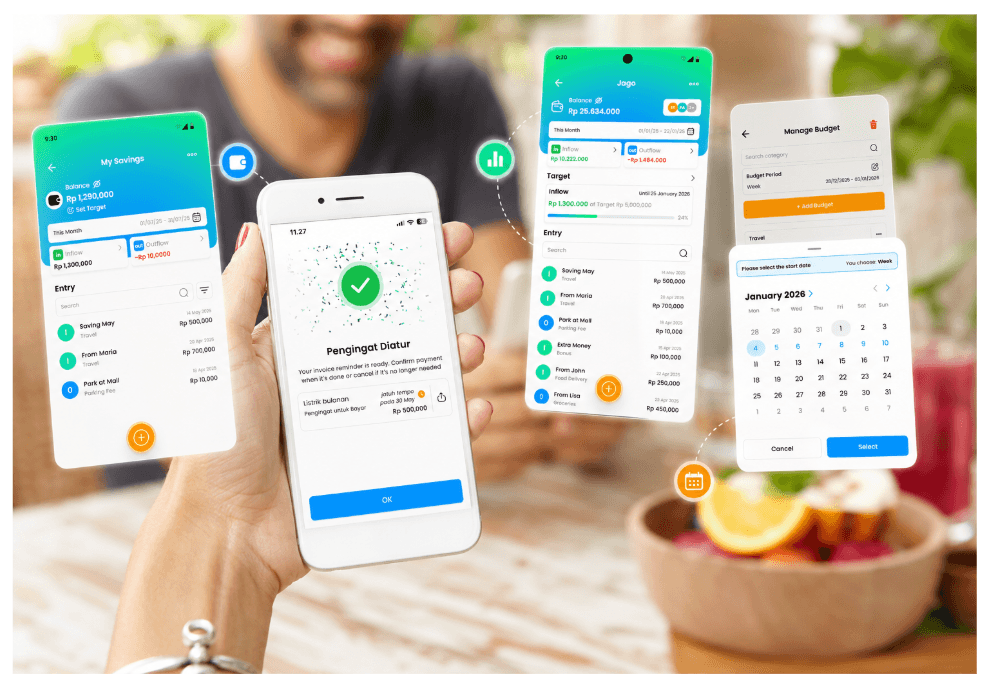
Bills don't wait. But your memory shouldn't have to. iO's Bill Reminders make sure you always know what's coming.
Set reminders for rent, subscriptions, utilities, loan repayments anything that repeats. iO will alert you before it's due, and prompt you to record it when it's done.
You can also save transactions as Drafts a planned purchase that isn't done yet. Use it as a shopping list. Convert it to an entry when you actually spend. Every OUT is accounted for, even before it happens.



From scattered transactions to a clear, complete view
All your INs and OUTs across all your pockets come together in one clean overview. Inflow vs outflow. Per pocket, per category, per month.
No more guessing. No more end-of-month surprises. iO shows you exactly where every rupiah came from and where it went.
Search any entry in seconds. See everything on a calendar. Download reports when you need them. Share individual entries when someone asks. You're finally in control of your money completely.