iOis your assistant for running your business
"From first sale to end of day iO runs your business with you.”
 Manage
 Operate
 Collaborate
 Understand
 Access
Your business generates money every day
iO makes sure none of it gets lost
Every sale recorded. Every invoice sent and tracked. Every staff reimbursement handled cleanly. iO is the financial backbone of your business from the moment you open your doors to when you count the day's take
Your phone is now a complete POS system
Before your first sale, set up your products and services iO. Prices, variants, stock levels, base cost. When a customer walks in, open the POS: select items, choose payment, record the sale. Done in seconds.
Whether it's cash, QRIS, card, or a custom method, iO records it all and updates your stock automatically. Print or share a branded receipt every time.




.svg&w=3840&q=75)
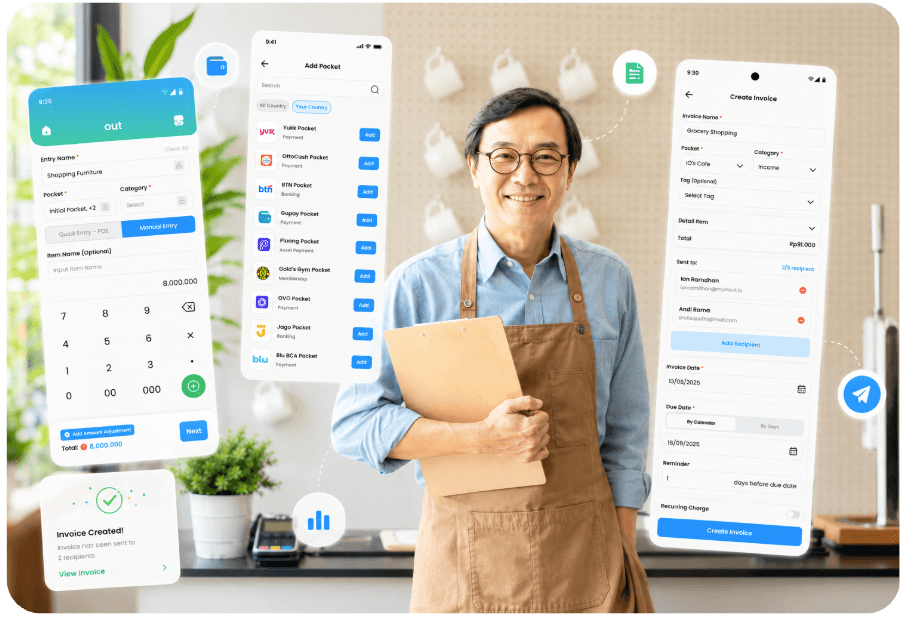
Send invoices, track payments without chasing
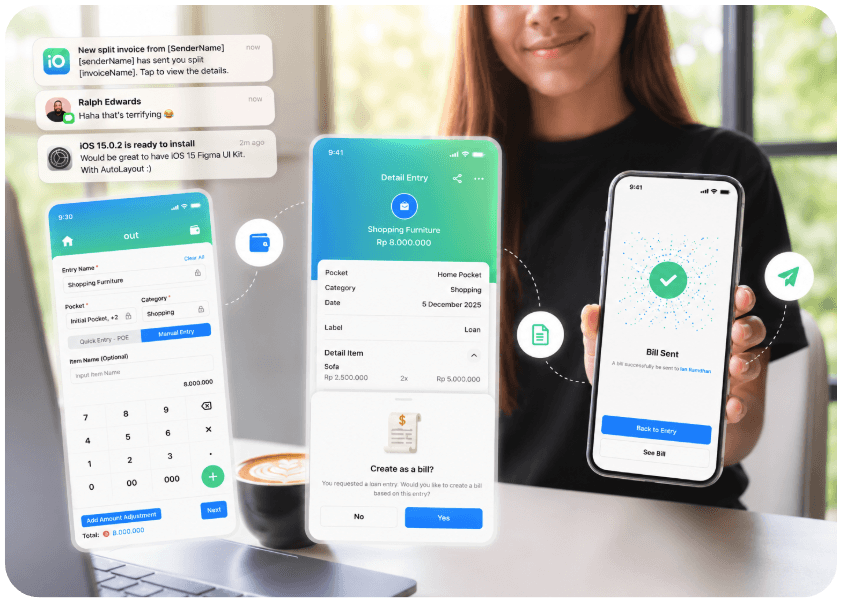
Not every sale is paid immediately. A delivery order. An open tab. A B2B invoice. iO's Open Bill feature lets you create a bill that stays editable until the customer pays
When ready, close it. It becomes an invoice shareable via WhatsApp, email, or a payment link. The customer pays. You get notified. The entry records automatically. No spreadsheet. No forgotten invoice.





Your team's finances; transparent and in control
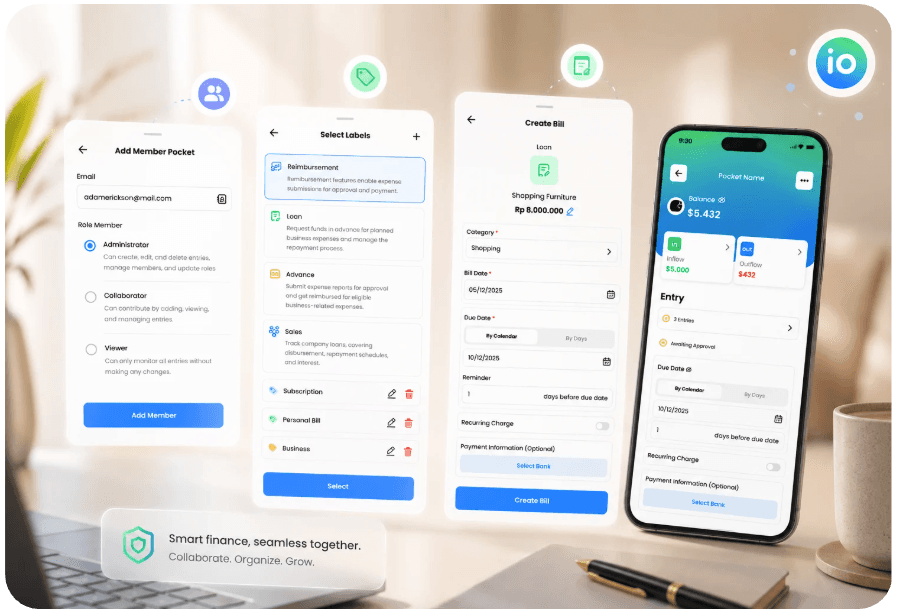
A business isn't one person. You have staff, branches, petty cash, and reimbursements. iO tracks all of it
Give your sales team their own pockets they record sales, you see everything in real time. Staff submit a reimbursement? You review, approve, and the payment records automatically. Petty cash given? Logged immediately with a full audit trail




Real-time business overview from anywhere
At the end of the day: How much did I make? What did I spend? What's my profit?
iO answers it all in one screen. Revenue, expenses, profit per pocket. Compare branches side by side. Download reports for your accountant. Let ino AI spot the trends you miss which day is slowest, which product sells best, where costs are creeping up